Centralized Lead Management
All your leads in one place. No more scattered data.




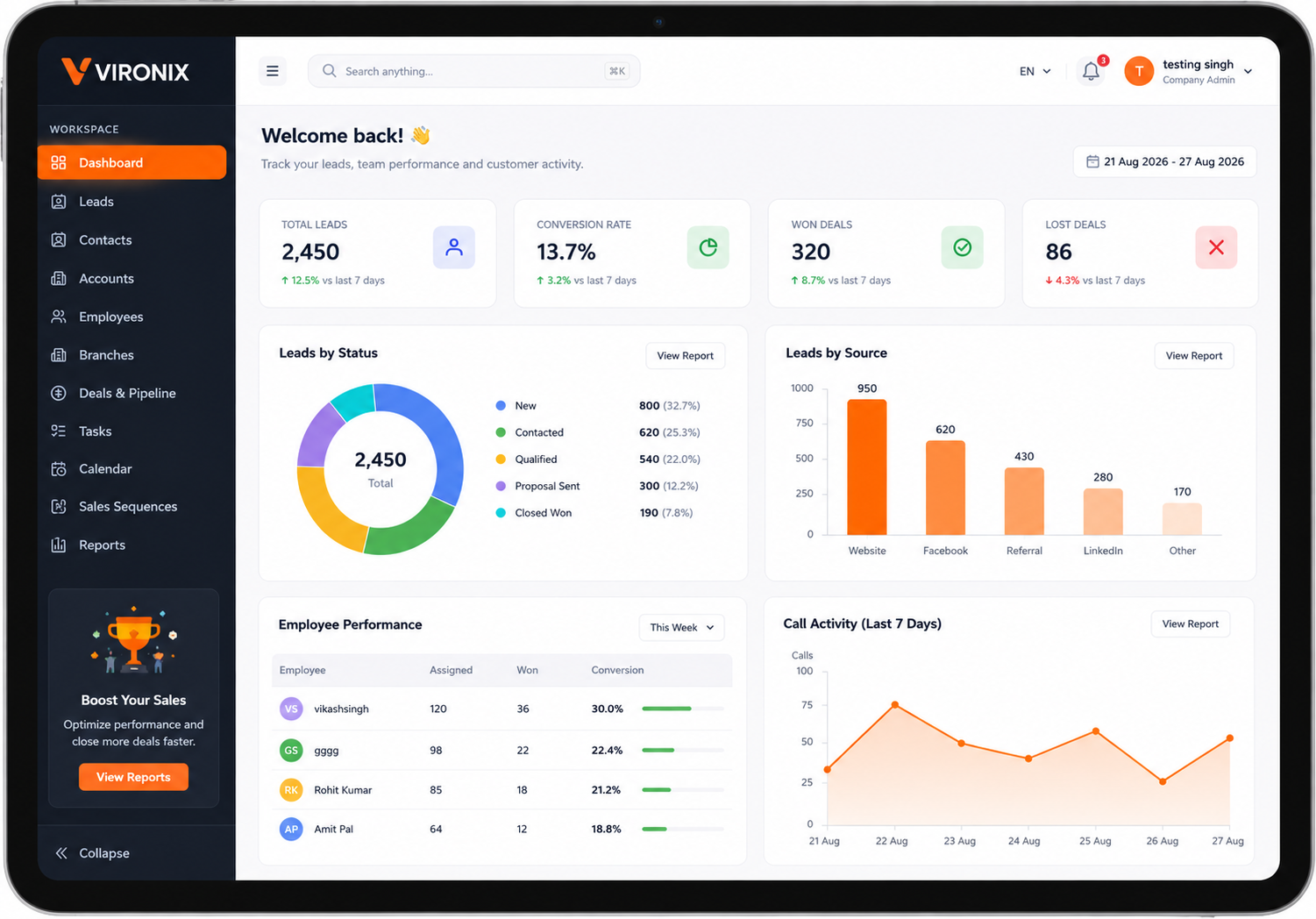

All your leads in one place. No more scattered data.

Give the right access to the right people.

Never miss a follow-up. Stay on top of every lead.

Communicate faster on the channels your customers use.

Track Activities and Measure what truly matters.
Stop managing leads across spreadsheets, calls, notes, and disconnected tools. Vironix CRM gives administrators and employees a centralized workspace to manage the complete sales journey—from a new enquiry to a closed deal.

Whether you are a startup, service provider or growing enterprise, Vironix CRM helps your team organize leads, improve follow-ups and manage the complete sales process.

Stop managing leads across spreadsheets, calls, notes, and disconnected tools. Vironix CRM gives administrators and employees a centralized workspace to manage the complete sales journey—from a new enquiry to a closed deal.
From Multiple Sources
To the right sales representative
Instant alerts via email or whatsapp
Connect, engage and Quality the lead
Move lead through the pipeline
Win more Deals and grow your business

Capture leads from websites, forms, calls, imports and other sources. Automatically assign every lead to the right team member.
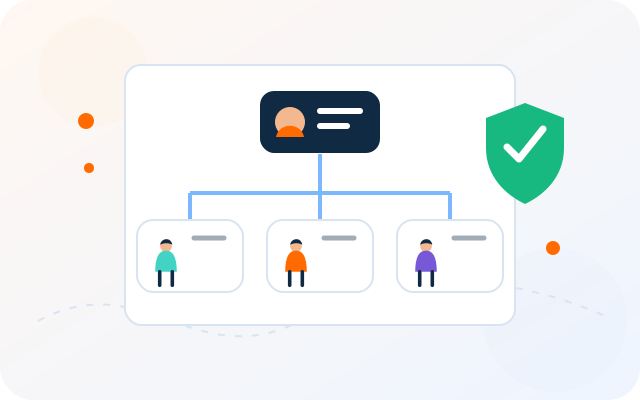
Invite employees, create teams and assign roles with granular permissions to keep access organized and secure.
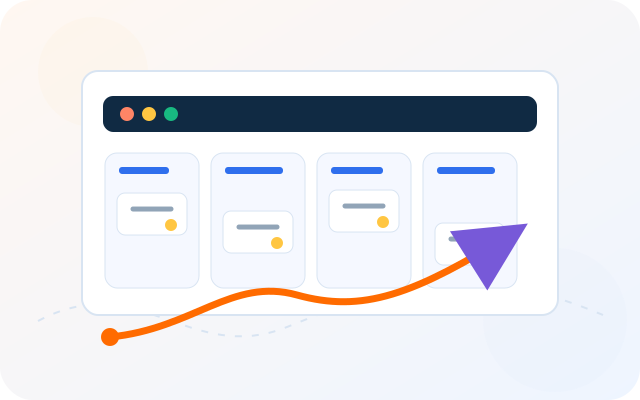
Track every deal through customizable pipeline stages and give your sales team a clear view of upcoming opportunities.

Create tasks, schedule meetings, set reminders and manage follow-ups so your team never misses an opportunity.

Connect Gmail, Microsoft 365 or custom SMTP mailboxes, control employee access and manage conversations directly from the CRM.

Send lead-assignment alerts through the Vironix shared number or connect your company’s own WhatsApp Business number.

Automate lead assignments, reminders and repetitive workflows while tracking response times through configurable SLA rules.
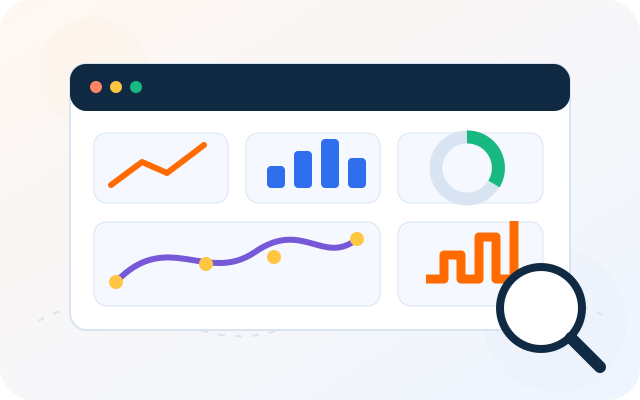
Monitor leads, sales performance, targets and team activities through actionable dashboards and detailed reports.

Record customer consent, maintain communication preferences and manage Do Not Disturb requests responsibly.

Protect your workspace with secure authentication, role-based access, active-session controls, activity logs and two-factor authentication.
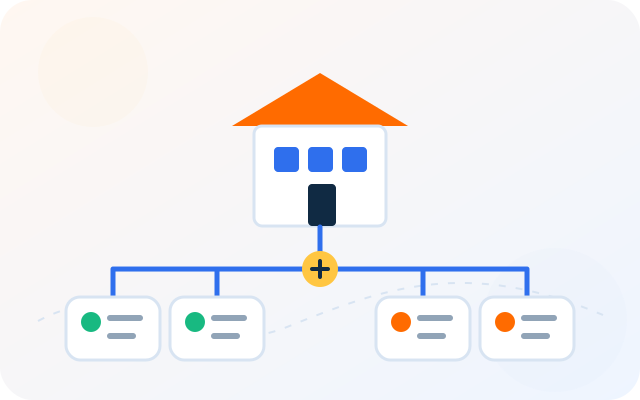
Create multiple branches, organize employees into teams and manage lead ownership across different business locations.

Choose scalable subscription plans with transparent feature access, employee limits and usage tracking as your business grows.

Connect your company’s WhatsApp Business Account through Meta’s official authorization flow—without sharing your password or OTP with Vironix CRM.
Give authorized employees secure access to customer conversations, manage messaging permissions and disconnect your account whenever you choose.
 Official Meta authorization
 No Password or OTP Shared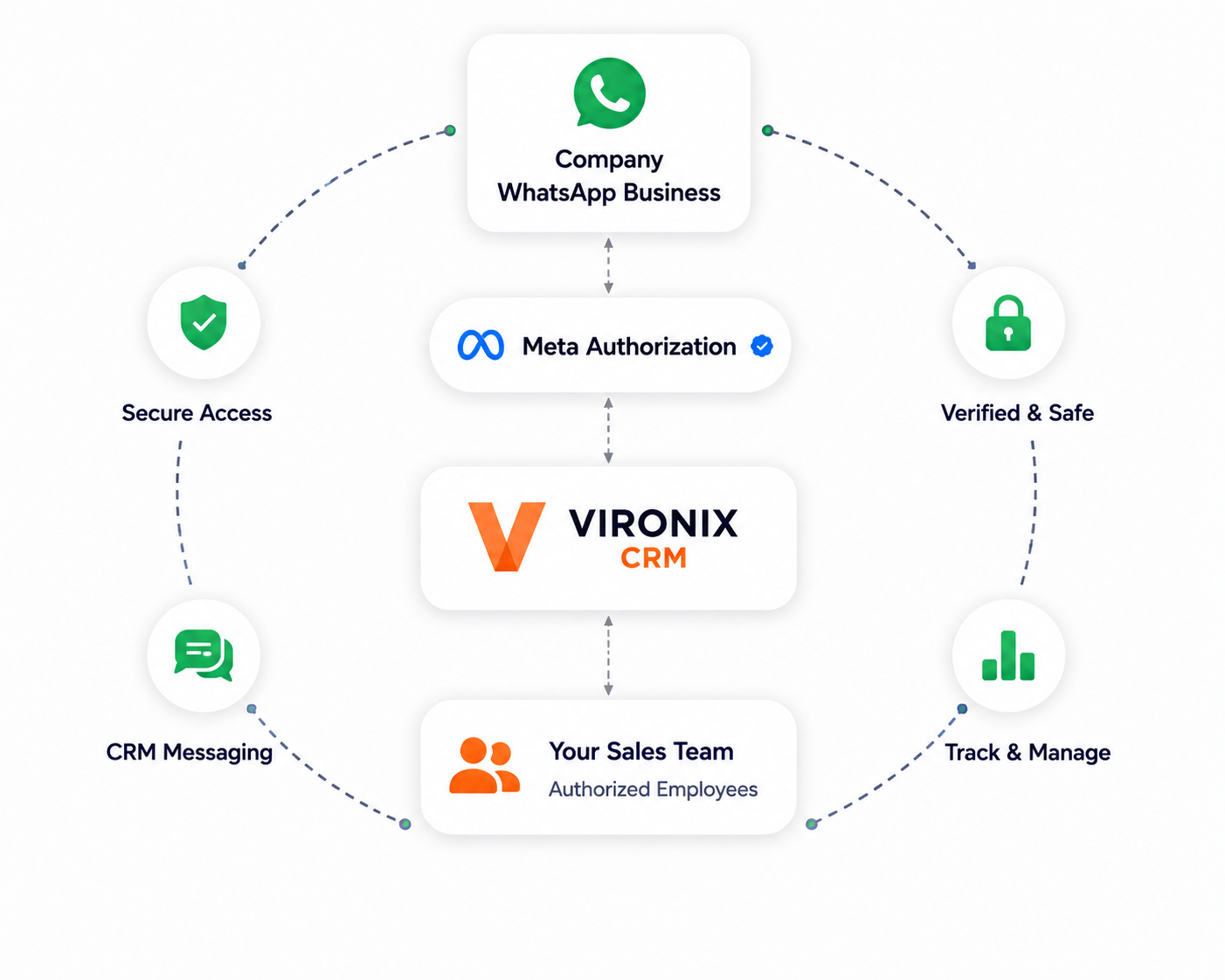

Company administrators control employee access and messaging permissions

Adminstrators complete Meta login and phone verification directly and securely.

Vironix Solutions never ask for your Facebook password or OTP at any time.

Businesses can disconnect their Whatsapp integration whenever required
Set up your company, invite employees, configure permissions and manage every lead from assignment to conversion.








Compare features and choose a plan that matches your team size, sales process and business requirements.
Compare features across all Vironix CRM plans.
| Starter | Starter | Growth | Enterprise |
|---|---|---|---|
| Lead Capture & Management | |||
| Employee Management | |||
| Deals & Sales Pipeline | |||
| Tasks, Calendar & Follow-ups | |||
| Basic Lead Distribution | |||
| Email Communication | |||
| Basic Reports | |||
| WhatsApp Lead Alerts | Add-on | Add-on | Add-on |
| Source-based Team Assignment | |||
| Weighted Lead Distribution | |||
| Lead Priority Calling Queue | |||
| Automation & SLA Rules | |||
| Advanced Reports & Analytics | |||
| Custom Roles & Permissions | |||
| Branch Management | |||
| Advanced Security & Session Control | |||
| Dedicated Onboarding Assistance | |||
| Support | Standard | Priority | Dedicated |
Contact our team and we’ll help you select a plan based on your users, integrations and usage requirements.